

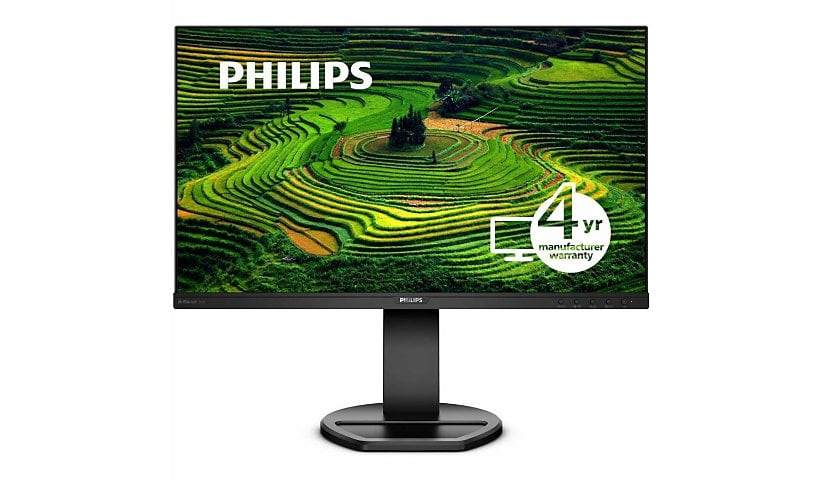
PHILIPS 241B8QJEB - 24 inch Monitor, LED, FHD, DP, HDMI, USB-Hub, 4 Year Manufacturer Warranty - 24"
Mfg # 241B8QJEB
CDW # 5394506
| UNSPSC 43211902
Quick tech specs
- LED Monitor offers maximum efficiency and usability
- 23.8" screen size with 1920x1080 resolution provides a native display of a Full HD video sources without any degradation due to down-sampling technologies
- 23.8" viewable screen size provides a spectacular viewing experience
- WLED backlight technology
- 5 ms GTG response time makes it excellent for latest action films, sports or gaming
- 1920 x 1080 maximum resolution
- Enjoy crisp content and energetic hues with the 250 Nit brightness

Know your gear
Get your best work done with the Philips 24" Full HD monitor. Crisp and vivid Full HD gives you the space and clarity to see your work. Features like height adjustment, Flicker-free and LowBlue mode make work easy on the eyes.
Enhance your purchase
PHILIPS - 24 inch Monitor, LED, FHD, DP, HDMI, USB-Hub - 24" is rated
4.00 out of
5 by
2.
Rated 5 out of
5 by
spice#zestforlife from
Monitor is above average.
The monitor quality is excellent. Color and sound above average. The issue is how difficult to find customer support. Once I did, my issue was taken care of immediately. Lack of phone support or even easy contact by email was frustrating to find on the website.
Date published: 2021-11-07T00:00:00-04:00
Rated 5 out of
5 by
Dataforge from
All the inputs, but do not like Input AutoSwitchin
I needed a monitor that has all of the inputs DisplayPort, DVI, HDMI, VGA and this is one of the few I could find that does have all 4 inputs on the same monitor. I use this on our tech bench where we frequently hook and unhook up devices to it. The brightness and screen quality is really good. However, the problem is this monitor will auto switch inputs when it looses signal. So when I restart a computer, the monitor will auto switch to a different computer. This makes it impossible to see the bootup of the computer I restarted. I already asked support and support said there is no way to turn this off. Support suggested we plug the computer into a different monitor during the reboot and then plug it back into this monitor after it boots. TKT124731
Date published: 2023-07-27T00:00:00-04:00